Browse and convert
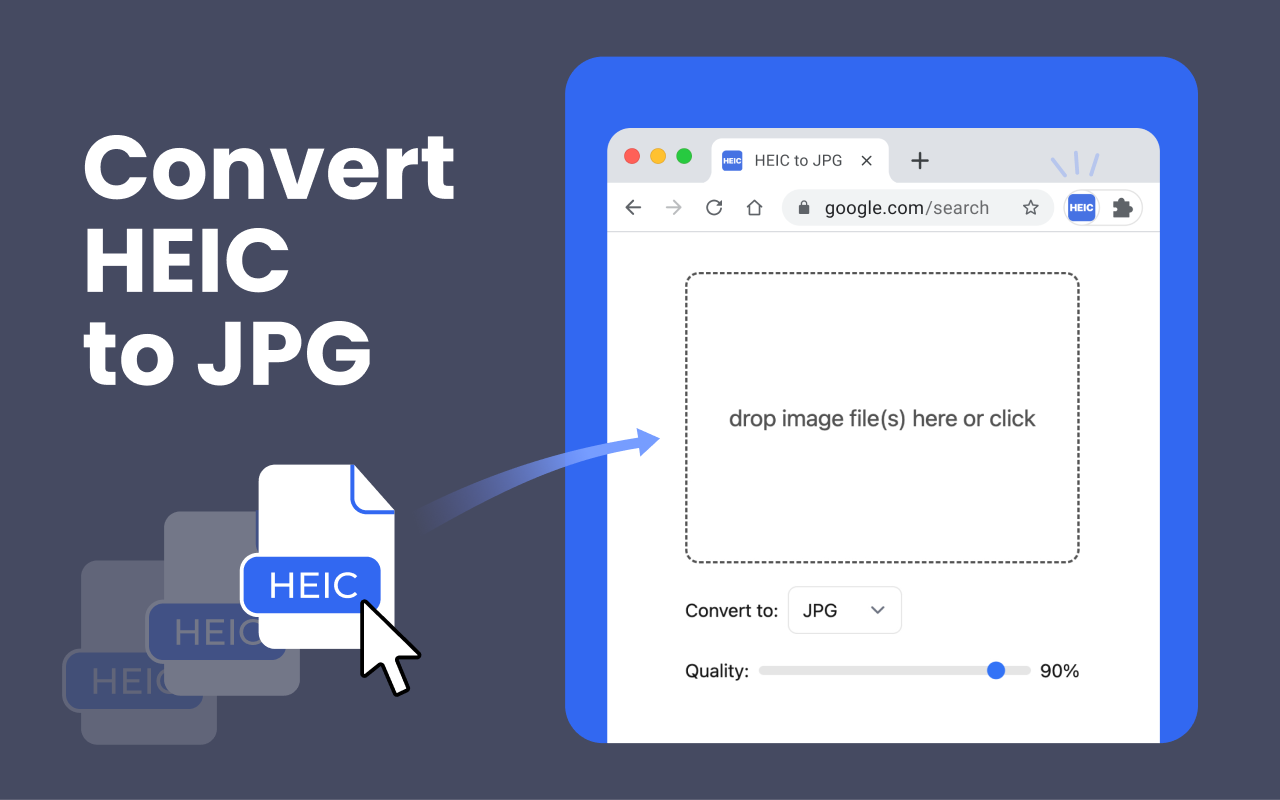
Click “Add files” and select HEIC or HEIF photos from your computer. Conversion starts inside the extension.
Best for a few photosLocal HEIC converter for Chrome
Convert HEIC and HEIF photos to JPG, JPEG, or PNG without uploading them. Process one image or a batch of up to 200 files directly on your device.
No account No server uploads Works offline
One extension, three workflows
Use the file picker for a few photos, drag a folder into the extension, or process a large batch and download the results together.
Click “Add files” and select HEIC or HEIF photos from your computer. Conversion starts inside the extension.
Best for a few photosDrop one or more files directly into the converter when they are already open in Finder or File Explorer.
Fastest everyday optionProcess up to 200 supported files, then download successful conversions separately or collect them in a ZIP.
For photo collectionsCompatible output
Turn iPhone photos into files that are easier to open on Windows, share with Android users, attach to email, upload to websites, edit, or print.
Start with the sharp 95% default or move the slider to balance image detail and file size.
Local by default
The extension processes images locally in Chrome. It does not upload your files to a conversion server, read webpages, or require an account.
Read the restored privacy policyHow it works
Pin it to the Chrome toolbar for quick access.
Browse or drag up to 200 supported images.
Select JPG, JPEG, or PNG and adjust the quality when available.
Save one file, download results separately, or create a ZIP.
Good to know
HEIC is efficient for iPhone storage. JPG is usually the safer choice when compatibility matters.
You can add up to 200 supported HEIC or HEIF files in one batch. Each file can be up to 100 MB.
JPG uses lossy compression, so some quality loss is possible. The default is 95%, and you can adjust the quality to suit the file.
EXIF data such as date, location, and camera settings may not be fully retained. Check the converted file when metadata is important.
Conversion creates a standard still image. Video, image-sequence, transparency, and other HEIC-specific behavior may not carry over to JPG.
Help improve the extension
Tell us what worked, what did not, or which conversion workflow would save you more time.
Ready when your photos are